
The workbench, not six tabs
Chat, compare models, and generate across every modality in one place — and the thread survives the jump between them. The agent carries the conversation forward itself and decides what belongs in the next frame, instead of you re-explaining it.
- Memory across chats
- Compare up to 5 models
- Every modality, one thread
- Share a chat or a project
One workbench, not a tab per model
What lives in the Studio, in the order you reach for it.
Memory that decides, not memory that dumps
The agent remembers the conversation and decides what belongs in the frame. Move from a product brief to a beach shot and it carries the client’s name forward — not the red car from twenty messages ago.
Every thread mapped, not just listed
Chats and the topics inside them lay out as a graph, so the thread about last week’s pricing question is one click away instead of a scroll through everything since.
Compare up to five, before you commit
Run one prompt against up to five models at once and read the outputs side by side, credits included, before deciding which one is worth the follow-up.
Every modality, one thread — including 3D
Chat, image, video, audio and music stay in the same conversation, and a generated 3D model gets its own viewer in that thread instead of a file you download to check.
One library for everything you generate
Every image, video, audio and music file you generate lands in one library, each one still linked back to the run and the prompt that made it.
Share a chat or a project
Send a link to one chat or a whole project — scoped to the workspace or to specific people, with view or edit rights. No export, no attachment.
It asks before it spends
Point it at a job with room for interpretation and it asks first — which model, which look, which format — before it runs anything or spends a credit.
- Asks a clarifying question when the brief is ambiguous, with quick-reply options instead of a blank box
- Shows the model it picked, why, and the estimated credits before it runs
- Drops the result into the same thread — not a separate screen you have to go check
A generated mesh you can turn, not a file to download
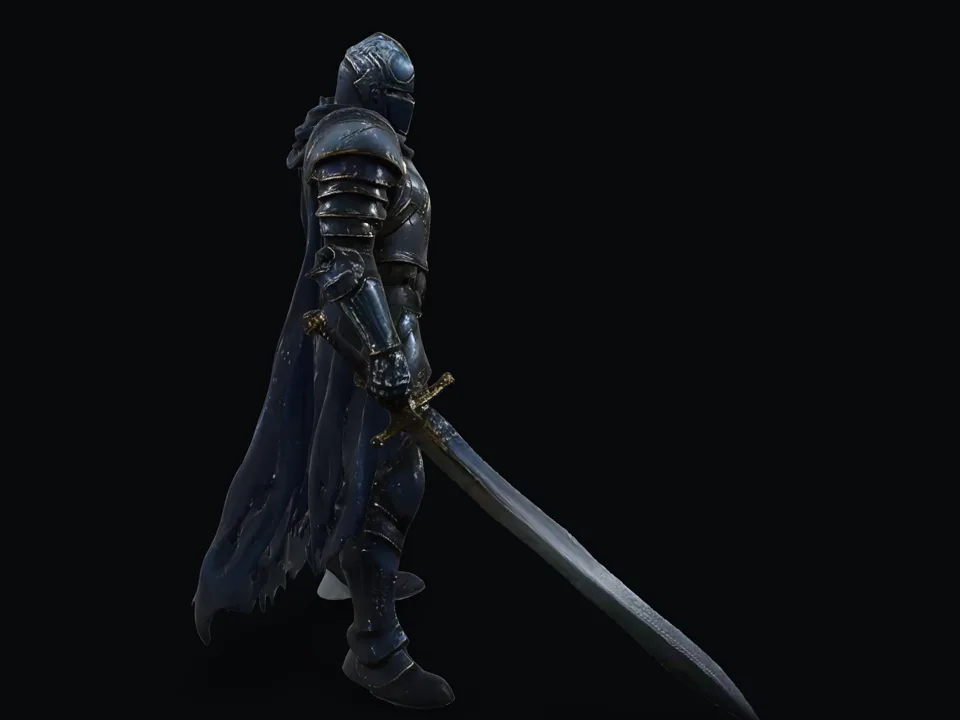
Ask for a 3D model and the result arrives in the thread as something you can look at from any side — same as an image appears as an image. No round trip through a desktop tool to find out what you got.
- Turn it, or let the turntable run — the camera presets are the same ones the Studio ships
- Download the .glb when you actually want it, not to find out whether it is any good
- It stays in the conversation, so the next step can act on it
It shows you what it remembered, and where from
Cross-chat memory is easy to claim and impossible to trust unless the reply says what it pulled. Every recall opens: which conversation each excerpt came from, when, and how close a match it was.
- Named sources, not "context was used" — the chat, the date, the retrieval score
- Pin a topic and its excerpts clear a lower bar, marked so you can tell which did
- Nothing recalled means the panel says nothing recalled, rather than staying silent
A topic belongs to several chats at once
Topics are not folders. A chat carries as many as it earns, and any two chats that share one are a click apart — which is how a thread from three weeks ago is reachable without scrolling back to it.
- Proposed as you chat and added only when you accept — nothing is filed behind your back
- Two chats sharing a topic are linked in both directions, not filed under one of them
- Pin one and it stops being only navigation: its excerpts reach the next prompt
Send one prompt to five models. Keep the one that won.
One prompt, up to five models, their answers together with what each one cost and how long it took — so the choice is made on the outputs rather than on a leaderboard.
- Credits and latency per answer, next to the answer
- A verdict that argues for one of them, from a model you choose
- Drive the same comparison from code — it is one request, not a Studio feature
The Studio and the API are the same thing
Every chat, comparison and generation you run in the Studio happens through the same endpoints your own code can call. Nothing the interface shows you is Studio-only.
- The topic graph and the memory panel read the same context the API reads
- Compare up to five models here, or drive the same comparison from code
- The workflow argument built for exactly this lives at /for/developers
Open the Studio
Free trial credits, no card. Start a chat, generate in any modality, and watch the memory and the topic graph work as you go.