
← All tools
Add alpha channel
Imageimage.add_alpha_channel
in: imageout: image
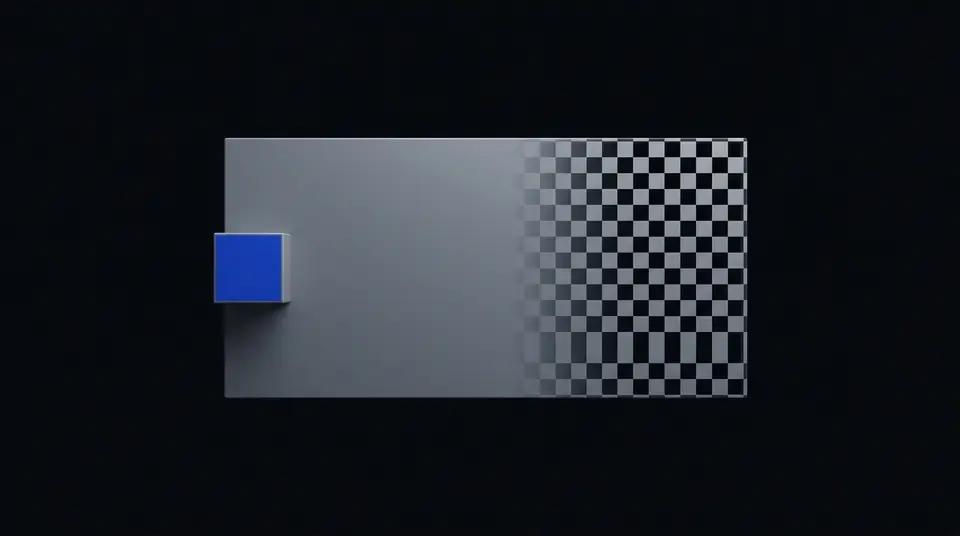
Ensure the image has an alpha (transparency) channel.
Pricing
- Price
- 0.125 cr / request
Prices in credits (1 credit = $0.01).
Add Alpha Channel
Ensure an image has an RGBA (transparency) channel, converting RGB images to RGBA without modifying existing pixels.
When to use
- Pre-compositing — images without alpha cannot be used as overlays; add the channel first.
- Downstream transparency edits — prepare an opaque image for a pipeline step that will make parts transparent.
- Safe no-op — if the image already has alpha, this operation is a no-op, making it safe to include unconditionally.
Inputs & outputs
| Input modality | Image file (URL) |
| Output modality | Image file (GCS URL) |
| Max input size | 50 MB |
| Supported formats | JPEG, PNG, WebP, TIFF |
Parameters
This capability takes no parameters — the alpha channel is always added at full opacity (255).
| Param | Required | Description |
|---|---|---|
| (none) | — | No parameters required. |
Examples
Convert JPEG to RGBA for compositing
{
  "type": "image.add_alpha_channel",
  "input": { "image_url": "https://example.com/photos/background.jpg" },
  "params": {}
}
Pricing
Billed per megapixel of output image. See pricing dashboard for current rates.
Related capabilities
image.flatten— inverse operation: remove alpha and fill with a solid colourimage.composite— overlay images; both base and overlay should have alpha for best resultsimage.pipeline— chain add_alpha_channel with other ops in a single execution
Examples
Convert RGB → RGBA
{}