
← All tools
Add padding
Imageimage.add_padding
in: imageout: image
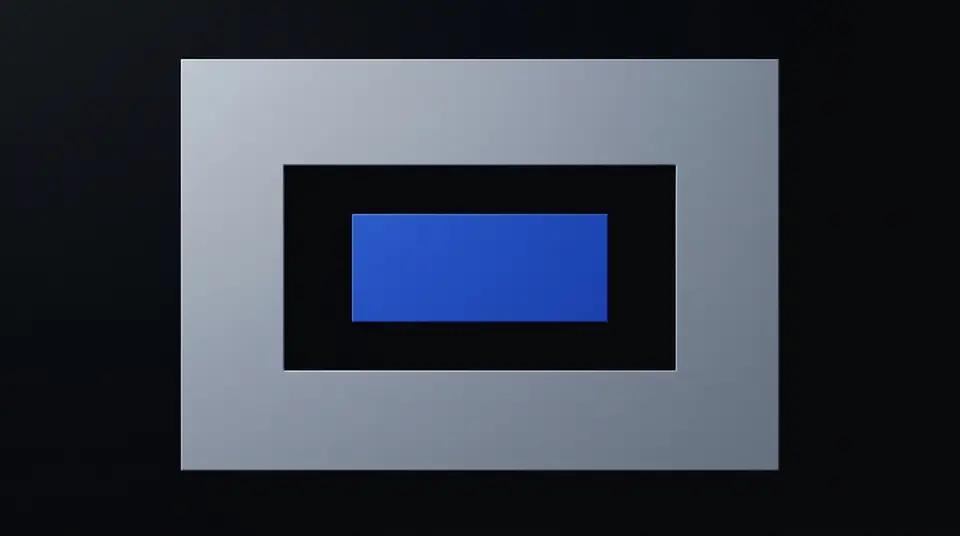
Extend canvas with padding.
Pricing
- Price
- 0.125 cr / request
Prices in credits (1 credit = $0.01).
Add Padding
Extend an image canvas by adding padding on each side with a specified background colour.
When to use
- Square up an image — add equal padding to all sides to make a non-square image fill a square container.
- Add breathing room — provide whitespace around product photos for marketplace listings.
- Pre-print margins — add bleed margins before sending to a print pipeline.
Inputs & outputs
| Input modality | Image file (URL) |
| Output modality | Image file (GCS URL) |
| Max input size | 50 MB |
| Supported formats | JPEG, PNG, WebP, TIFF |
Parameters
| Param | Required | Description |
|---|---|---|
top | yes | Pixels to add at the top edge (integer ≥ 0). |
right | yes | Pixels to add at the right edge (integer ≥ 0). |
bottom | yes | Pixels to add at the bottom edge (integer ≥ 0). |
left | yes | Pixels to add at the left edge (integer ≥ 0). |
background | no | Hex fill colour for the new canvas area (default #ffffff). |
Examples
50 px white padding on all sides
{
  "type": "image.add_padding",
  "input": { "image_url": "https://example.com/products/item.jpg" },
  "params": { "top": 50, "right": 50, "bottom": 50, "left": 50, "background": "#ffffff" }
}
Top and bottom letterbox bars
{
  "type": "image.add_padding",
  "input": { "image_url": "https://example.com/photos/wide.jpg" },
  "params": { "top": 100, "right": 0, "bottom": 100, "left": 0, "background": "#000000" }
}
Pricing
Billed per megapixel of output image. See pricing dashboard for current rates.
Related capabilities
image.resize— resize to specific dimensions instead of extending canvasimage.flatten— flatten alpha after padding to prepare for JPEG outputimage.pipeline— chain padding with other ops in a single execution
Examples
50px each side white
{
  "top": 50,
  "right": 50,
  "bottom": 50,
  "left": 50,
  "background": "#ffffff"
}